Video games made by combining HTML, CSS, and JS with original illustrations. 0% AI
GaliViarT
Hi! My name is Juan, or Gali, depending on who you talk to. This website was
created to host and let you download my video games. I developed these games myself (or, who knows,
maybe in collaboration with others in the future), using the standard web development languages
(HTML, CSS, and JS) to make them work, and hand-drawing every single visual element. All without
using AI, since sometimes it doesn't hurt to use your brain again
I'll explain
below how and why I got started on this laborious and peculiar task of creating "artisanal video
games".
Due to my background and life experiences, my computer skills and knowledge were no better than
the average person's until January 2025. Perhaps I stood out a bit in handling Excel and in some
crazy project made with Windows Movie Maker in the fairly distant past. That month, I started a
training course in web page creation. Primarily, it was to pass the time, as I wasn't sure it
would lead to anything useful.
During the course, I discovered what HTML code was, used to create the skeleton of a web page,
and I found it to be very simple and intuitive. Then came CSS code, for manipulating the visual
appearance. And with it, animations. I loved the animations. I spent hours making all kinds of
animations, each one crazier than the last. I even had the idea of creating a website where I
would upload 'adaptive animations' that, just by copying the code and changing the animated
images, could be used for any type of project and device.
But those ideas were eclipsed when we learned JavaScript, the code that allows you to give
interactivity and greater functionality to websites. It took me a little longer to grasp it, but
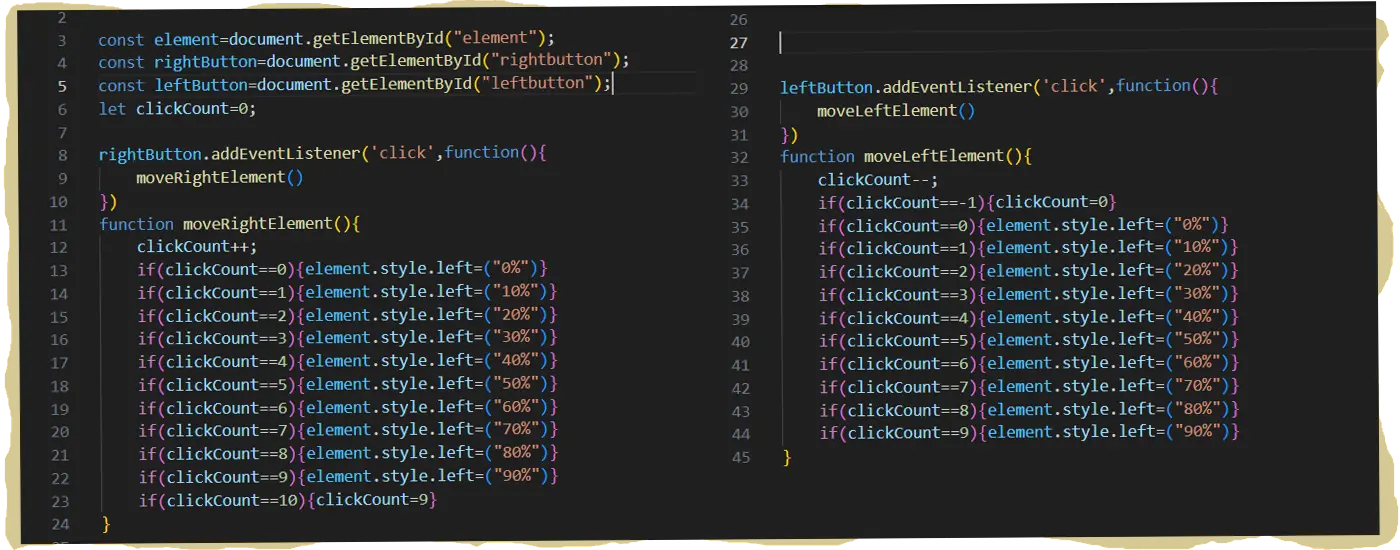
as soon as I could make the properties of an element change by pressing a button—its position
within the website, in this case—a question popped into my head: 'By combining HTML, CSS, and
JS, could I create a functional video game?
Obviously, the easy way to answer that was to search Google. But I chose not to, setting myself
the personal challenge of solving the puzzle alone. This would serve as a great learning
experience (and, of course, without using Artificial Intelligence, to really push my brain). I
assume someone else has done it before—it's tough to invent anything truly new nowadays—but as
of this page's publication date, I haven't looked into it at all. This is to keep my ideas and
future projects uncontaminated and aim for something original.
The beginnings were tough, but in a couple of weeks, I created and assimilated what I call
'controlled loops' and the manipulation of element classes. 'Controlled loops' consist of a
function being executed every time a key is pressed. This function, on the one hand, increments
or decrements the value of a variable, and on the other hand, makes a change to an element's
property that will depend on the current value of that variable. Therefore, depending on the
number of times the key is pressed, the result of the function will vary. This allows, for
example, that if the value of a variable is two, the position advance we give to an element is
20%, if it is three, it is 30%, and so on.
On the other hand, by manipulating classes (which are like tags or names we can assign to an
element), we can indicate that an element is in a specific screen position. This way, it can
interact with another element through a function whose criterion will be that both elements
possess a certain class at a given moment.
Thus, with 'controlled loops' and the manipulation of the classes of the different elements, the
game started working. I was able to overcome all the challenges I set for myself throughout the
development of all the levels, using nothing more than the basic methods and properties of JS,
such as style, classList, or setTimeout. If anyone is more interested in this point, they surely
know how to look into the game's code once they download it.
Since my initial intention was for the game to be for mobile devices, this limited the size of
the game screen, as I will explain in more detail in the specific section for Dunkxar. To
improve PC gameplay, I assigned functions to different keyboard keys. For this reason, playing
on a computer became much more comfortable than on mobile devices.
Once the video game was working, a problem remained: the visuals. Moving little squares around
the
screen wasn't going to be interesting to anyone, myself included. Those squares needed an
identity, meaning they had to display images. I've always liked drawing, especially dinosaurs
and dragons, but I must admit my style has always been unrefined. When it came to digital
drawing, it was even worse. I had only used Paint for quick fixes, and the results were quite
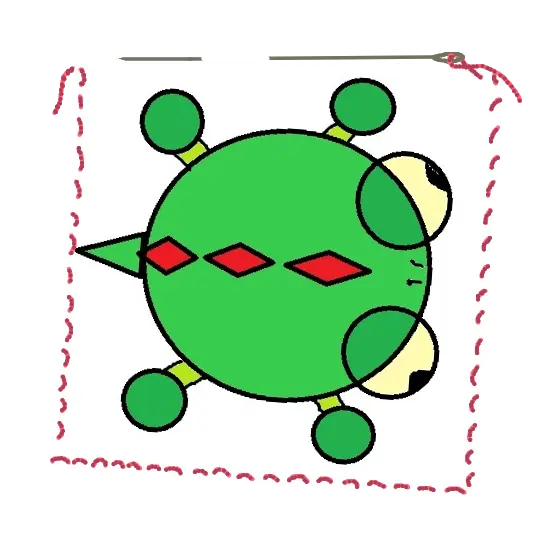
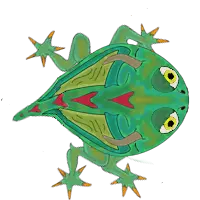
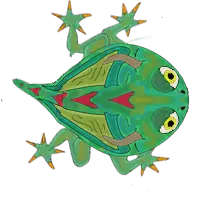
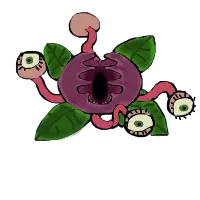
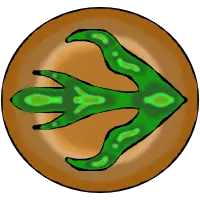
mediocre. Below, I'm including the image of my first attempt at the video game's protagonist,
which made me realize I needed to step up my skills in this department:
In the initial stage of experimenting with CSS animations, I used AI for some illustration.
However, it wouldn't be useful for this project because, for the animations I had in mind—such
as the main character's walking animation—Artificial Intelligence wasn't going to provide the
exact results I needed. Furthermore, since I had no intention of using AI to write the code, I
didn't want it for the visual aspect either.
So, I asked for advice on drawing programs I could use and started practicing with Krita. With
patience, I began to get more or less decent results. Learning to draw using layers was very
useful for improving the game's appearance, making it easier to create different terrain levels
on the Z-axis, for the water, obstacles, shading, or the different animation positions for the
enemies.
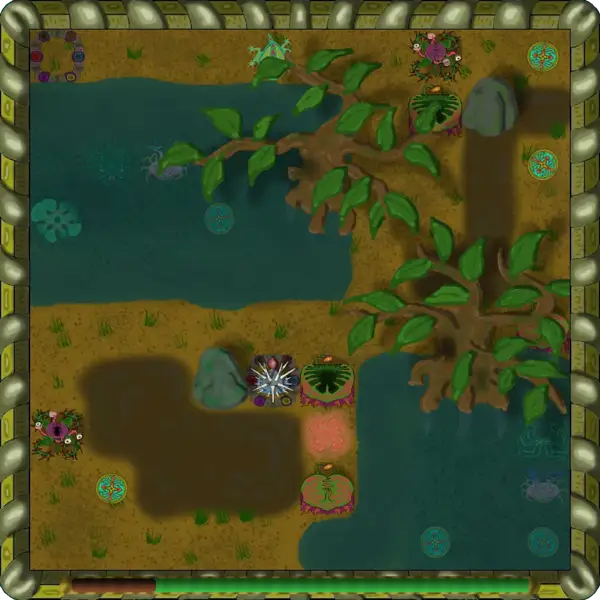
Finally, the visual aspect achieved its own style, which I hope is appealing, or at least that
what it intends to convey can be understood. For now, I have already surprised myself,
especially if you compare the illustration I included above with the illustrations in the story,
which were the last elements I created for the game.
Once the video game was complete and functional, the project folder contained an infinite number
of
elements and files. After months of work, I would like more people to be able to play it, which
required transforming that folder into an application. Fortunately, during the web page creation
course, we were taught how to use the ElectronJS and CapacitorJS frameworks to create
applications for computers and mobile devices. So this was the methodology I used to package the
game into a format that is easy to distribute and run (I include the necessary instructions in
the game download section). Unfortunately, it is most likely that the Mac and iPhone versions
will not be available initially, as I still have to study the necessary methodology.
Once I had completed a few levels of Dunkxar, I was certain I wanted a website to make the game
available to anyone who wished to play it. However, I postponed starting the design until the
game was completely finished. After giving considerable thought to the visual style I wanted for
the page, I decided the best approach was for it to reflect the kind of games I intend to create
and to have a distinctive look. Consequently, all the elements of the website, from the logo to
the labels, are hand-drawn by me. I also included animations to give it a fun touch.
Regarding the website structure, I wanted it to function like a notebook. That each section be a
page within it, marked with a protruding tab, as if it were a bookmark in a real notebook. To
achieve this, the sections are superimposed in the same space, and each one is brought to the
foreground when its corresponding tab is clicked. This structure also ensures that even if I add
more sections in the future by creating new vieo games, the page's look will remain the same,
with
the only noticeable change being the appearance of more tabs
I have also placed two buttons, one to move right and one to move left between the sections.
These buttons provide more convenience for navigating the website, in addition to giving the
feeling that the page itself functions like a video game, especially in the mobile version. In
it, the buttons are placed at the bottom of the screen, in the perfect spot to be pressed by
each of the thumbs.
The most important sections of the page will be those corresponding to each video game, where
you will find the links for downloading them, as well as facts and interesting tidbits about
their development.
Due to the time it will take me to make a new video game, I have added the 'Coming Soon'
section. In
it, I will provide details about the project I am currently working on and what its development
status is.
Finally, there is the Contact section, where I will leave a link so you can communicate with me
by email to notify me of errors in the games, share opinions, etc. I will also include links of
interest, such as Instagram or GitHub, and others in case someone wants to collaborate with the
project, like Patreon or PayPal, with the aim of funding drawing lessons to improve the visual
aspect of the games, the maintenance of the website, and mainly, to encourage me to keep making
games and prevent laziness from taking over.
As soon as I finish creating this website and make it available, I plan to continue the
development of another game that I've already started. This time it will be a game in the style
of the space shooters from the eighties, like Space Invaders or Galaga. I already have the code
ready for moving the ship and for the firing sequence, so things look good. What I will try to
do is publish updates on the new project both in the 'Coming Soon' section and on social media,
in addition to uploading early versions of the game to Patreon.
I just hope the next projects don't take as many months to develop as Dunkxar did, though...
Click the icon for the device you wish to play Dunkxar on (if available) to start the download.
FREE DOWNLOAD
When downloading the PC Windows version, you will get a file in RAR format. Unzip it to the
desired location. In the resulting folder, you will find a file named Dunkxar.exe, which
runs the game. A shortcut is also included for you to place on your desktop. With the game
window open, you can press F11 to play in full screen.
When downloading the Android version, you will get an .apk file. Most commonly, your device
will not allow you to open it because it does not come from the Play Store and is not
signed. To open it, you need to grant the application you are using to open the .apk
permission to 'install unknown apps' (remember to revoke this permission after finishing the
installation). Once this is done, the app will install automatically on your device.
iPhone version not yet available.
MAC version not yet available.
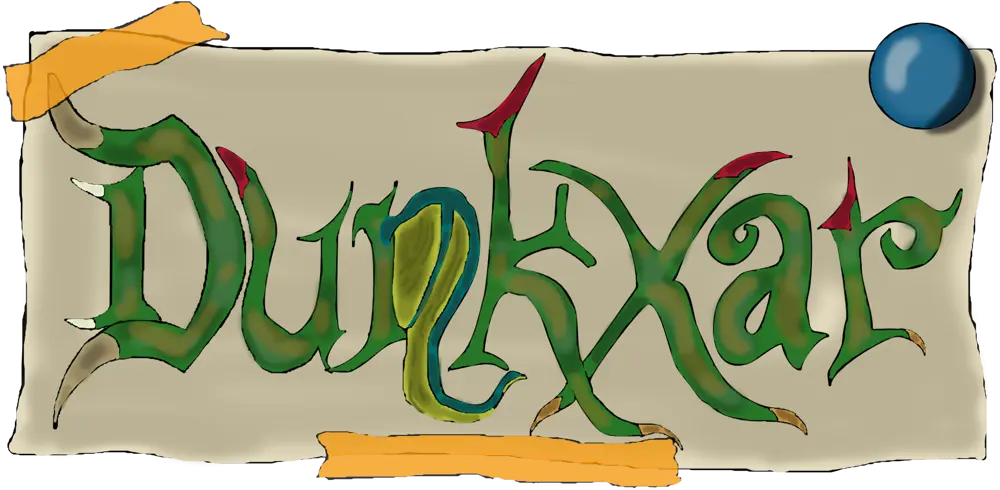
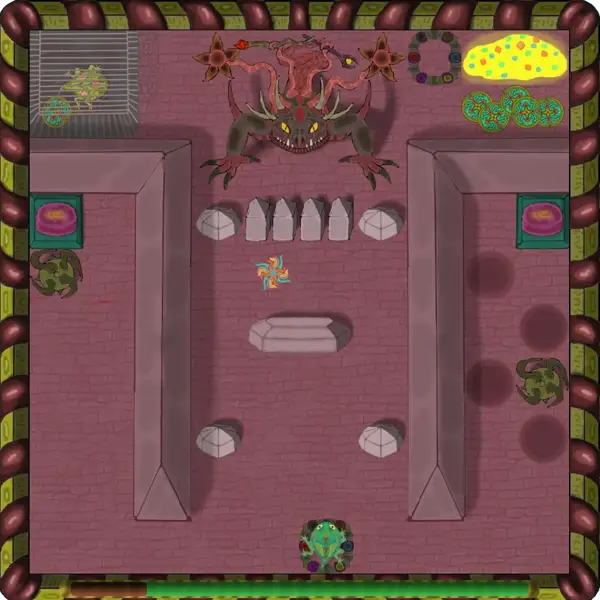
My first creation, Dunkxar, is a top-down adventure video game. Your goal is to
rescue your sister from the fearsome Dreitel. To achieve this, you'll guide Dunkxar through 10
levels (plus an extra epilogue), collecting gems, dodging and torching enemies, flying over deadly
obstacles, and finding the best route to complete each stage before the one-minute timer runs out.
Once I had the idea of developing code that could function as a video game, I obviously had to
decide what type of game I wanted to make. It didn't take me long to settle on a game with a
top-down view, like the original Zeldas and many similar ones, as it seemed like the simplest
option since I only had to modify the positions of the elements in four directions on a static
map.
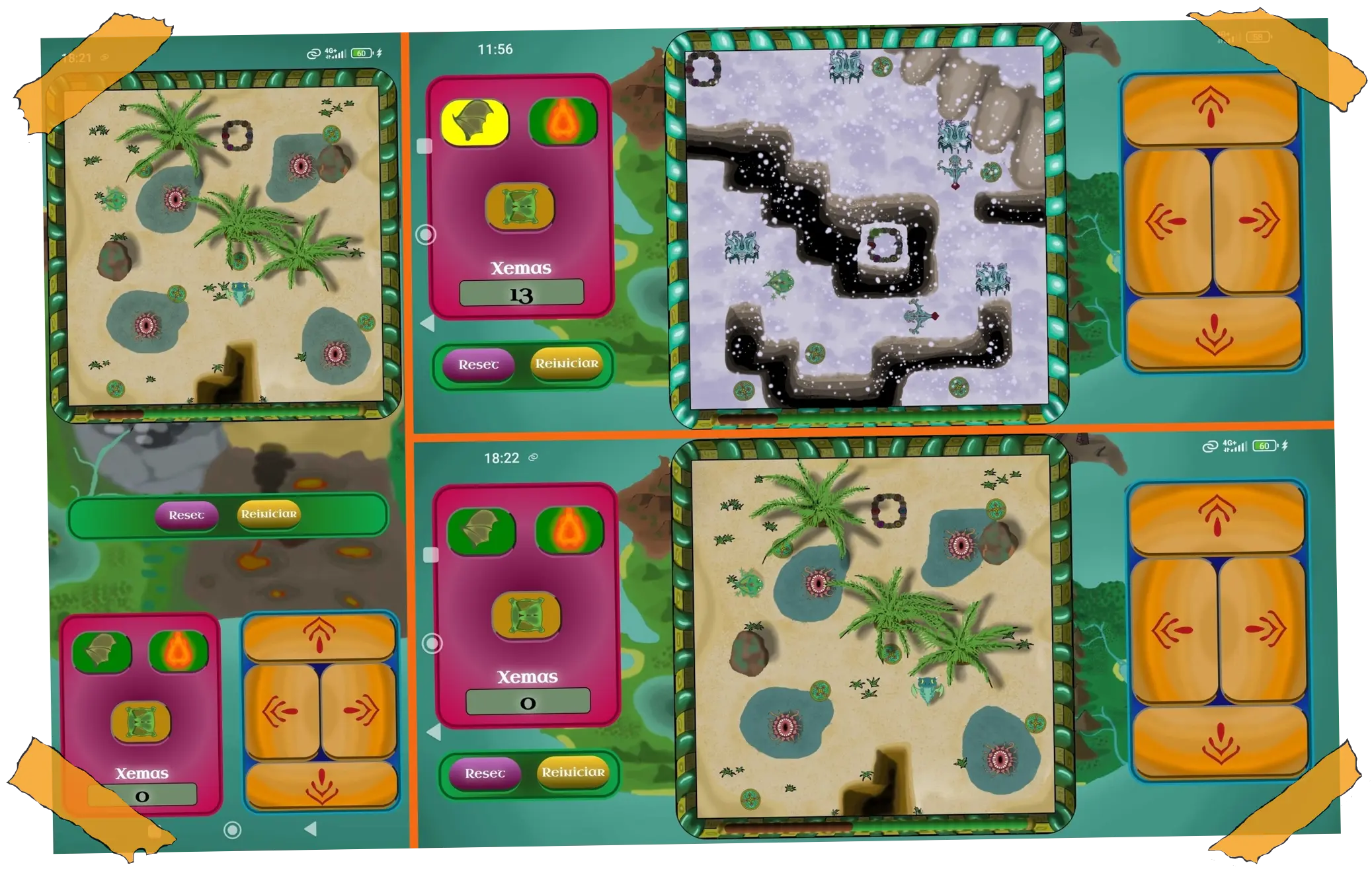
Since the initial idea was to create a game compatible with mobile devices, the game screen is
square, divided into a 10×10 grid. This allows playing on a mobile phone in both portrait and
landscape orientation. Therefore, the buttons and the game interface were designed to adapt to
each position, placing them below or on the sides of the game screen, as appropriate.
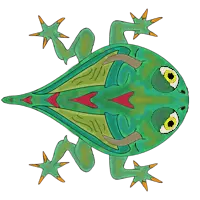
The first level was the testing ground for the game's mechanics and its visual design. I opted
for the protagonist to be a lizard-like creature because, when using a top-down view, it would
be easier for me to animate the movement of the legs (as they protrude from the body) and give
the sensation that it is walking when moving between the grid positions. Since I was later able
to develop the code for it to breathe fire and fly, I added wings, and it became a kind of
creeping dragon.
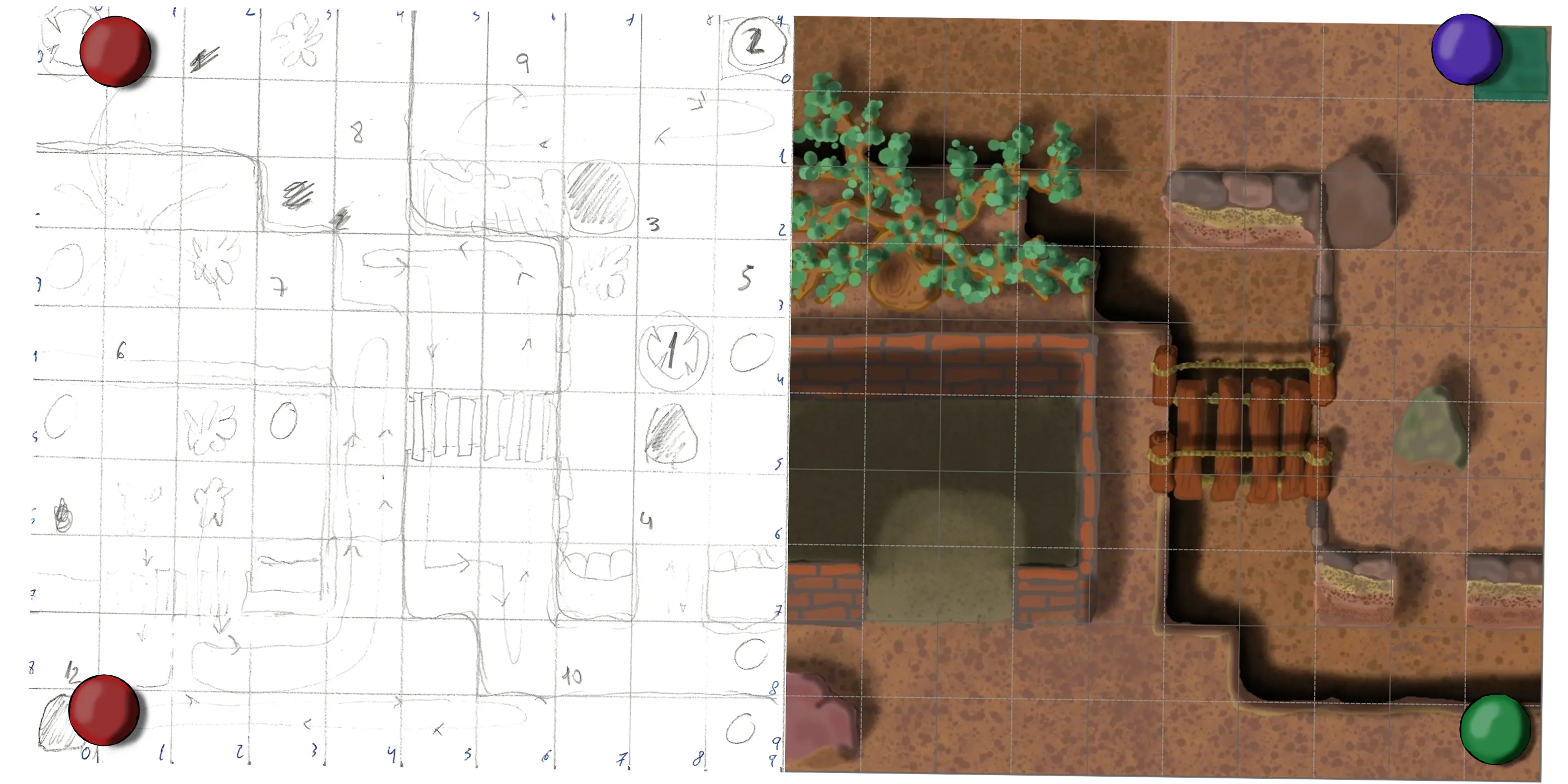
Once the foundations and mechanics were established in the first level, the development of each
subsequent level began with drawing the layout of the map's different elements on a 10x10 grid.
These elements included obstacles, drops, gems, the portal, the enemies' paths, and so on. By
having the grid coordinates for each one, their later expression in the code was much quicker
and simpler.
Once the level sketch was finished, the next step was to draw the scenario in Krita. By dividing
the canvas into the same grid, the planned distances and proportions were perfectly maintained.
Different layers of elements were created for each scenario. This allowed for the creation of
shadows and elements that the character passes under, by placing them at a higher Z-axis
position. Once the scenario was drawn, the enemies and other elements were created within a
square canvas (mostly) to be easily integrated into the grid.
With the visual elements now finished, they were loaded into the HTML code of the corresponding
level and placed in their correct position. Subsequently, by adding animations with CSS code,
and using JavaScript, the functions already developed in previous levels were adapted,
introducing the new elements or creating new functions, if necessary. And thus, each level was
completed.
Another important part of the game's development was the addition of sound effects. For example,
the
sound of Dunkxar's footsteps changes depending on the type of ground he's walking on and stops
when
he's flying. I downloaded the sounds from the website freesound.org, having to adapt
to the available options many times, but I think I achieved a good result in this area.
Since this was an autodidactic project, I set myself the challenge of having each level introduce
an innovation to force myself to create new code and, in this way, acquire more knowledge:
-The first level established the game's core mechanics by implementing all the basic
functions: movement, projectiles, item collection, falls/pitfalls, obstacles, enemies, and
so on.
-In the second level, the challenge was to allow the character to submerge into water. To
achieve this, I developed the system of placing different layers on the z-axis.
-In the third level, my goal was simply to create atmospheric conditions. I achieved this by
adding a top layer with a snowflake animation and applying a dark filter to simulate the
darkening of the sky.
-In the fourth level, I placed a large number of obstacles, as in previous levels I had
experienced some issues with map element interaction. This led me to understand the
importance of code order in JavaScript, as incorrect sequencing caused the character to move
backward instead of stopping when moving toward an obstacle.
-In the fifth level, I set out to create a battle against a mini-boss and place elements on
the map that had to be interacted with to prolong the fight, such as buttons to open doors,
in this case.
-In the sixth level, I wanted to design a system to allow for more than one fire attack per
level and to change the movement system, which I eventually applied to all previous levels
as well. Originally, when you pressed the movement key, the character moved instantly. With
the new system, it first turns in the direction of movement, and then, upon pressing the key
again, it moves.
-In the seventh level, which in my opinion is the best designed, I wanted to create
different height levels. To do this, I had to implement the ability to climb to the upper
level at a specific point and to be able to fall from that upper level to the lower one. I
also managed to share space with an enemy without being killed because of being at a
different height. If I make a sequel or another similar game, I will develop the code
starting from this level.
-In the eighth level, the challenge was to perfectly coordinate a CSS animation with the
changing of an element's classes via JavaScript (JS). I did this to create the effect of
spikes that emerge from the ground and retract, only killing the character at the correct
moment.
-In the ninth level, I wanted to create greater interactivity with a map element, generating
the illusion of being able to push something. I achieved this by triggering, with a specific
action, an animation that combines JavaScript (JS) with CSS.
-In the final level, the goal was to create a battle with different phases and something
surprising, considering the short time available. I think I achieved a quite acceptable
result.
-In the epilogue, I wanted to offer a relaxed environment where the player could walk around
and interact with different elements. This made it possible to trigger two different game
endings.
As I acquired new knowledge, both in programming and art, all the levels underwent code
rewriting and visual retouching. For example, it didn't occur to me to add shadows until Level
6, so I had to retouch the backgrounds of all the previous levels. The final general refinement
was having to modify the code of all the levels so that the main character and those of his
species would blink, just to give them a more lifelike appearance.
In reality, neither the story nor the final objective of the video game were defined when I
started
the project. Initially, it was just a game where you had to collect six objects to open a portal
and access another level. I decided the rest as I went, since I didn't know how far I could get.
I hope that, even so, the game achieved a certain coherence in the end. What I decided
shortly after starting was that the game would have a maximum of ten levels, so as not to drag
out the project endlessly and to be able to start new ones, which I will try to plan better
before initiating them.
Dunkxar will most likely have a sequel (or prequel), but with a larger game screen. The map
background will scroll when reaching the edges, and each level will have a minimum of four
sections. This would allow for a much greater adventure. Initially, I will design it only for PC
to eliminate the screen size limitation and, later, if possible, I will adapt it for mobile
devices.
In this table, I will provide updates on the different versions of the game that are released,
with the aim of resolving errors or updating any area that can be improved. This way, you will
know if you have the latest version downloaded.
Version
Summary
Date
Initial
First version released. No errors detected on PC, but with sound issues on mobile.
09/ 2025
Dunkxar laziness version
Version of Dunkxar in roaming mode, that is, you have a drop-down menu that allows
to access
directly any of the 10 levels without having to go through the previous ones.
Includes the Windows and Android version.
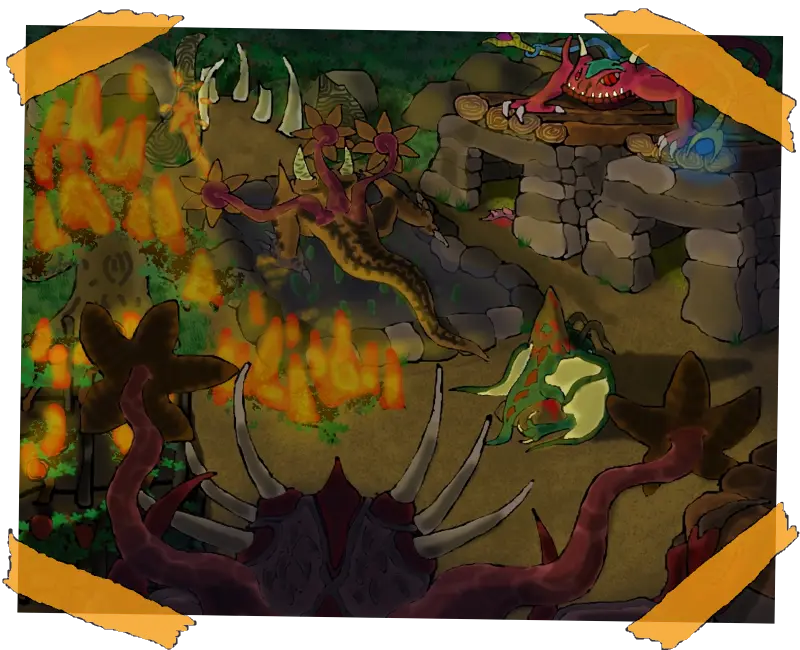
Illustrations
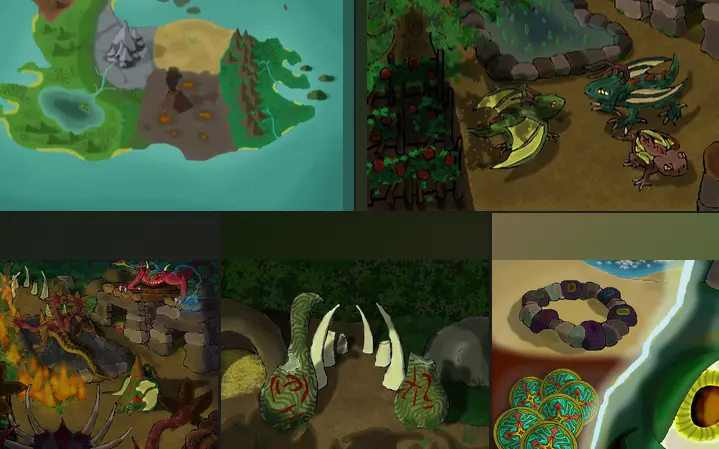
Package with the 5 images that appear in the History of the video game, with a size
of 800x650 px.
Coming soon
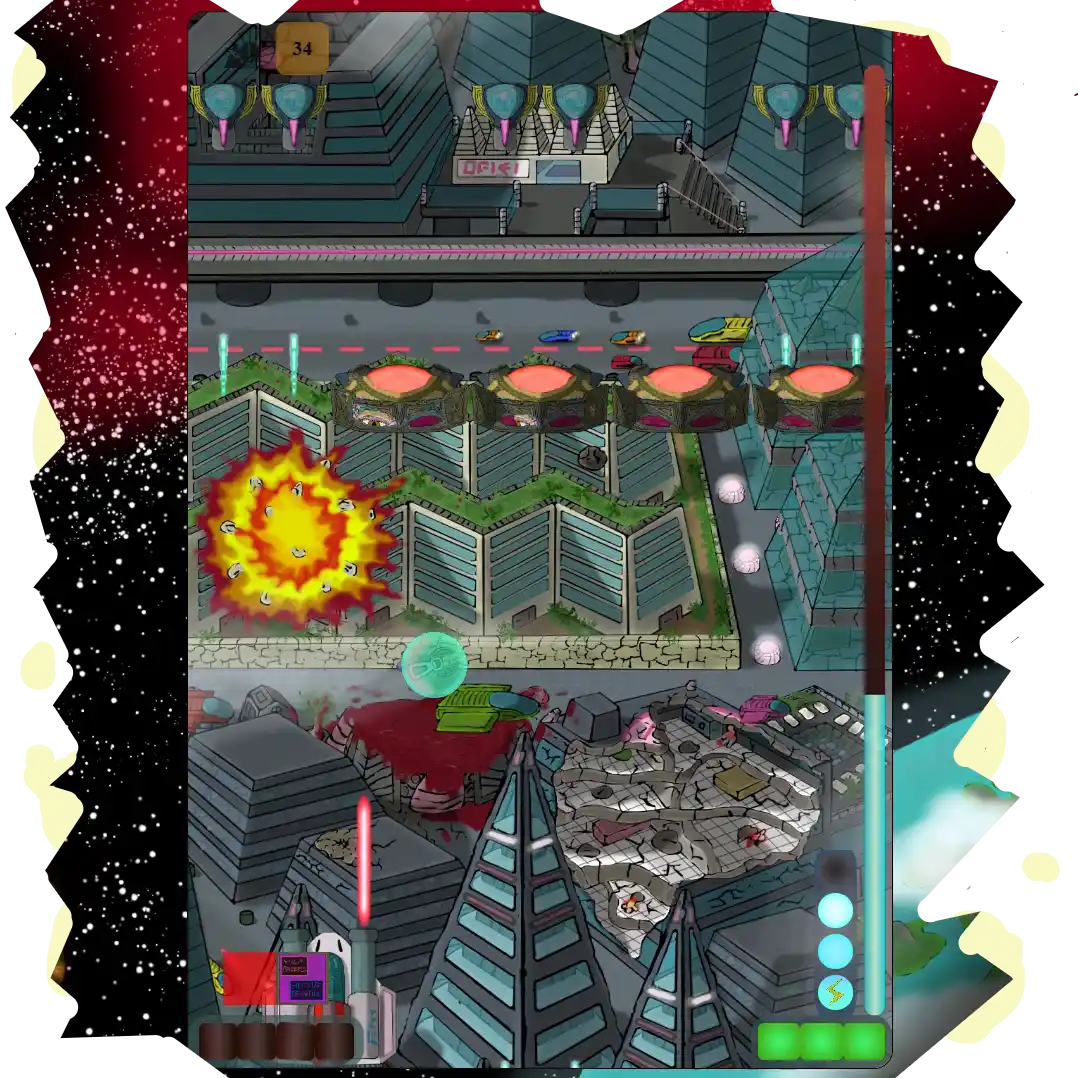
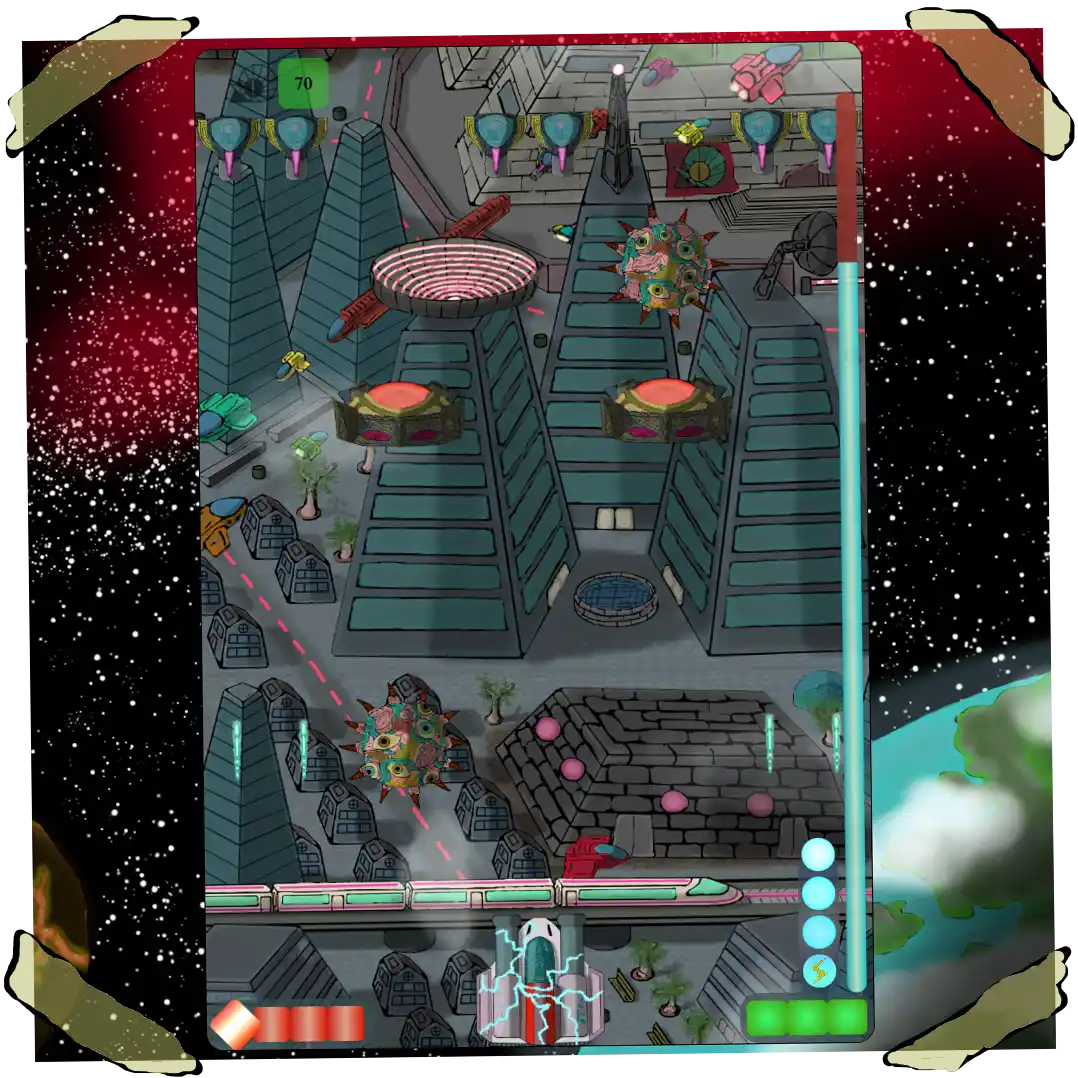
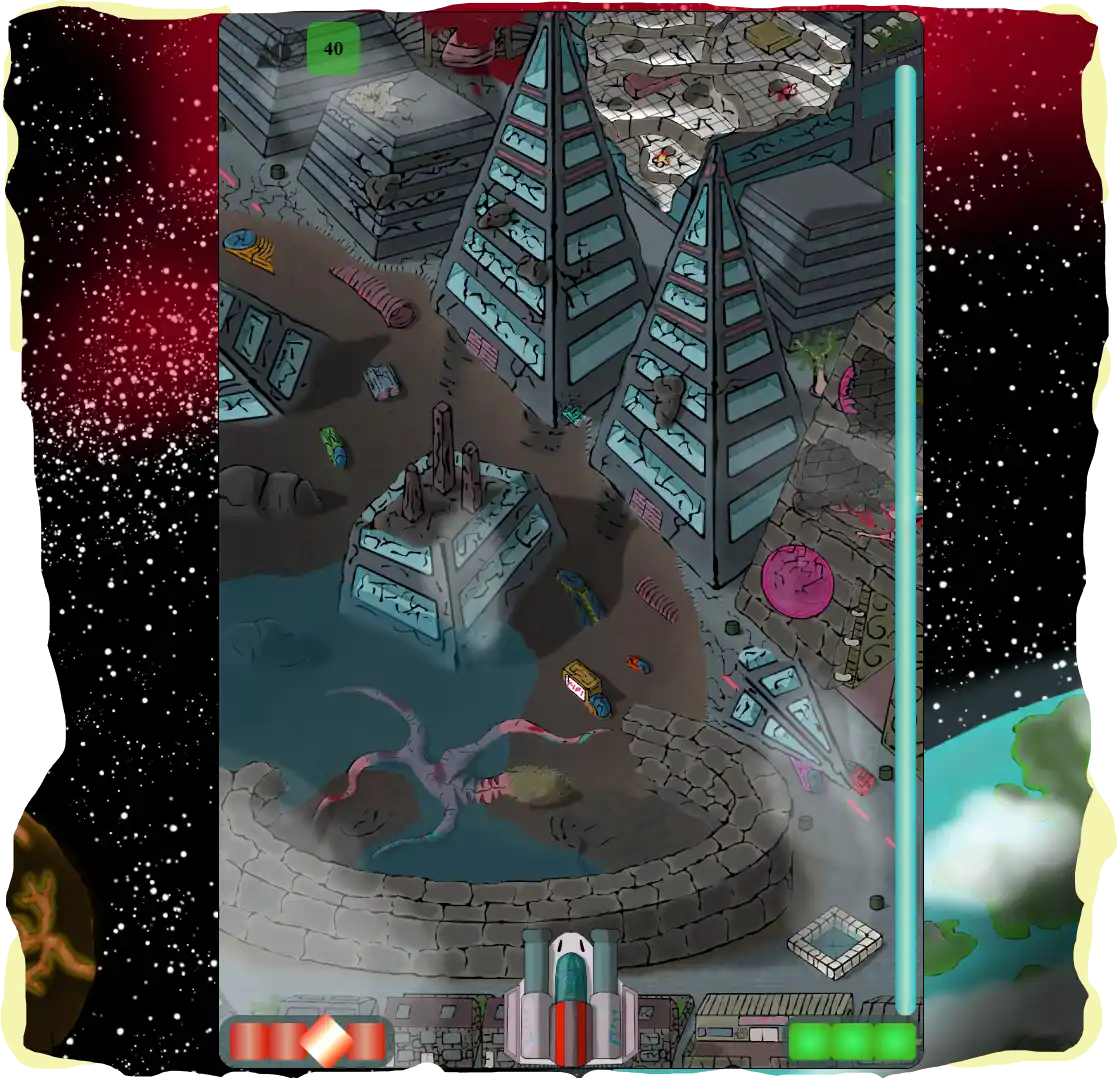
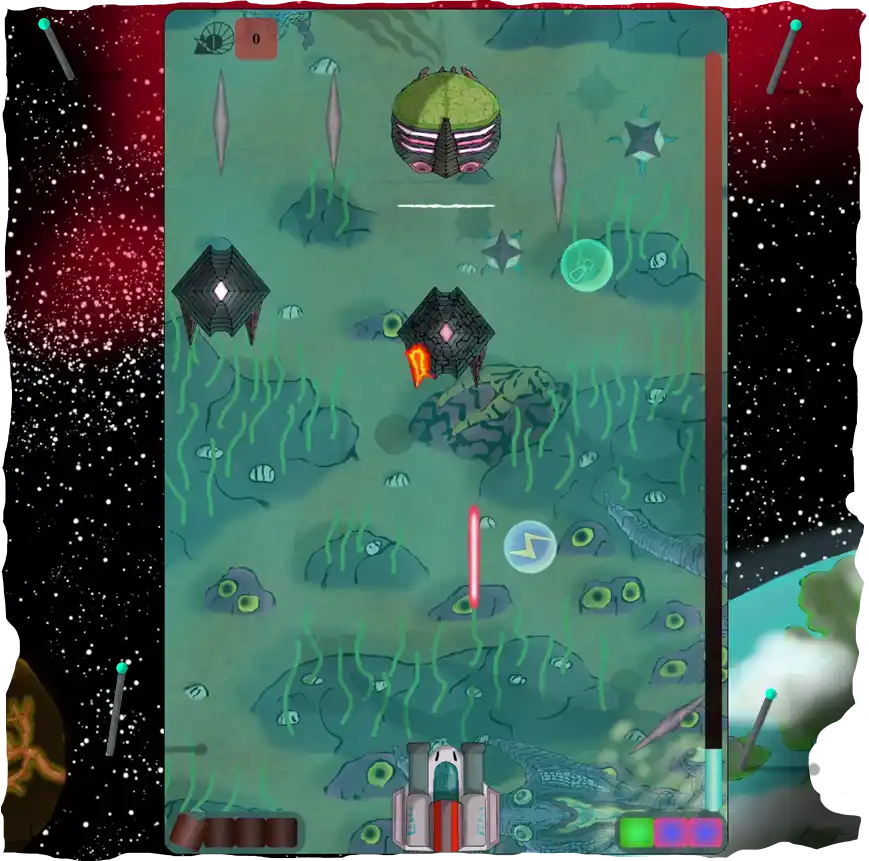
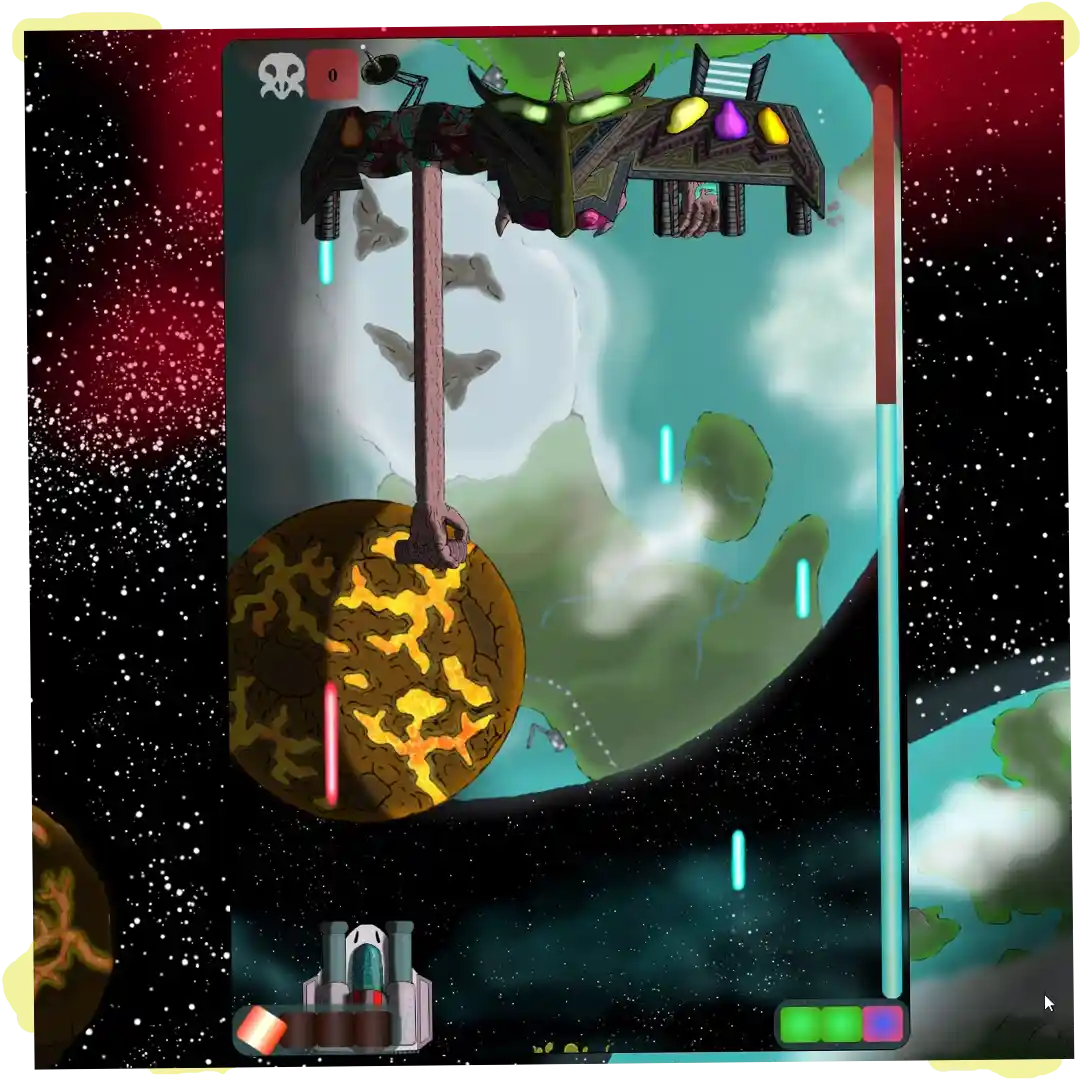
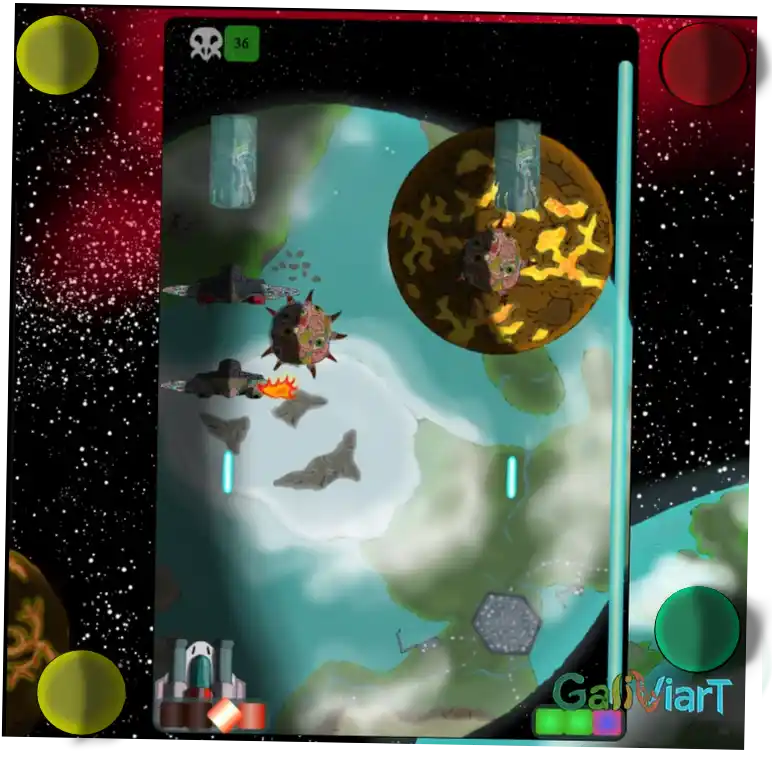
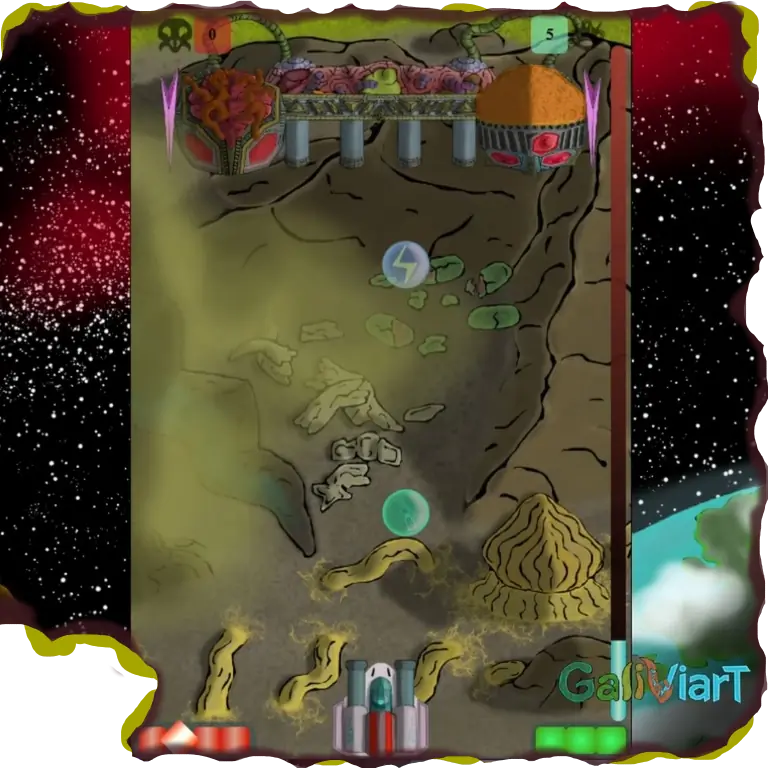
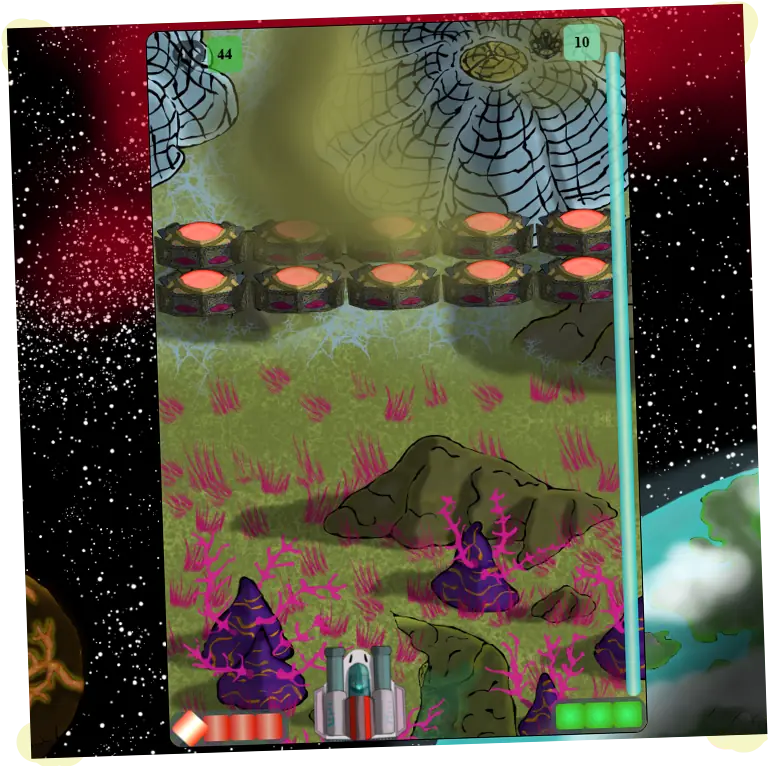
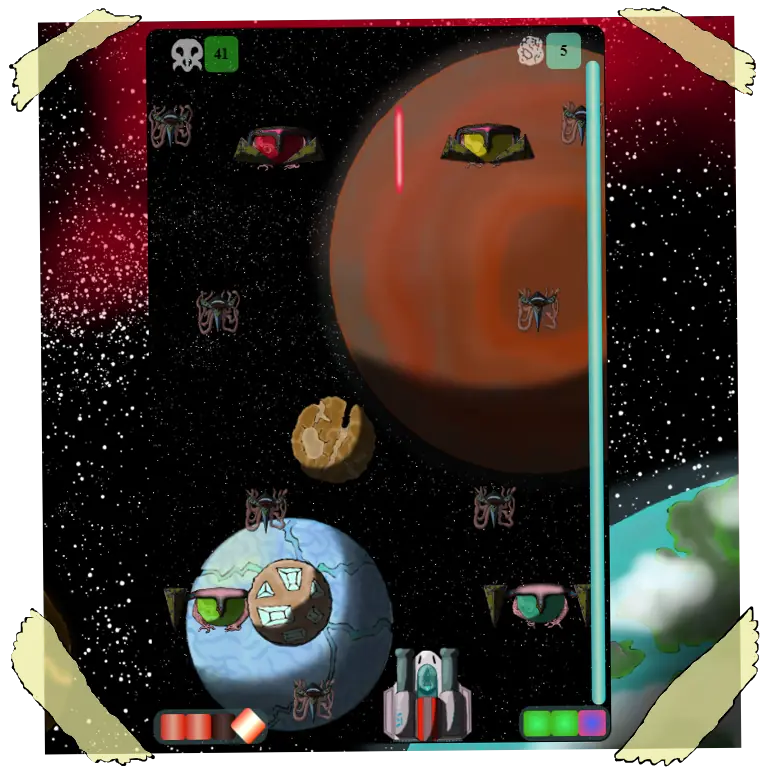
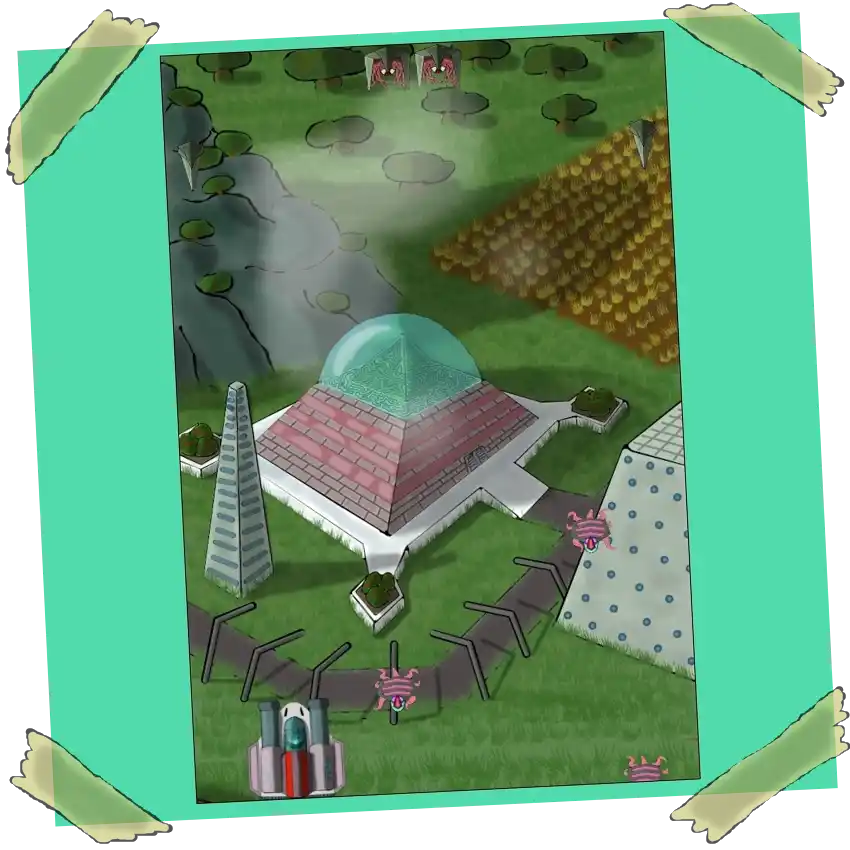
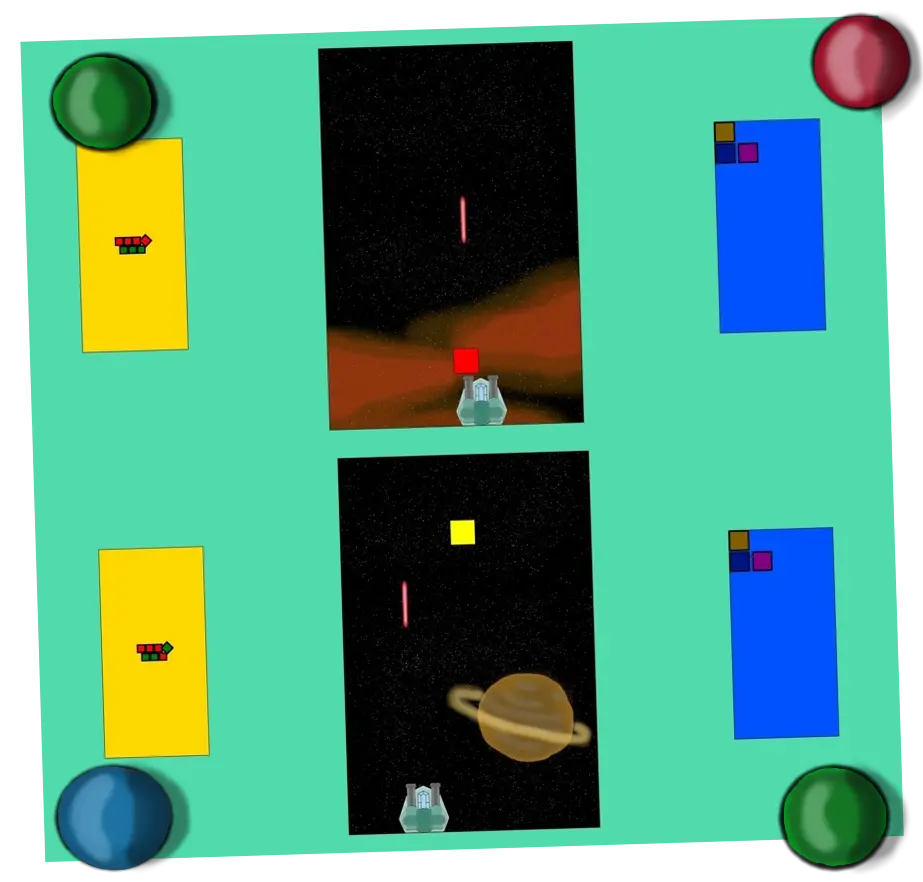
The video game I am currently developing is inspired by the typical spaceship games of the 80s. I
already
have the basic functionalities programmed. The screen has dimensions of 10×15 sections, meaning it
will be taller than it is wide, as I am trying to make the optimal way to play it on a mobile device
in portrait orientation. The ship can move left and right, four lasers can be fired
, and an enemy can be 'killed' upon hitting it. There is also an
indicator (a line of four small squares) to show which lasers are ready to be fired and which of the
four will be the next one. From this base, I continue the development of the video game code and
appearance as I describe in the next section (and in more detail on my social media).
Development blog
Update October 6, 2026: Mission VII is now finished,
combining the enemy sequence with the background destruction sequence and the first
appearance of AIRIESS at the end,
a battle that won't end, as it flees into space, where the final confrontation will take
place
Update September 23, 2026: The enemy sequence for
mission 7 is now ready, including two new designs. I also added a remaining energy
drones indicator to better track the time left in the mission. Now I'm starting on the
design for AIRIESS, the final boss
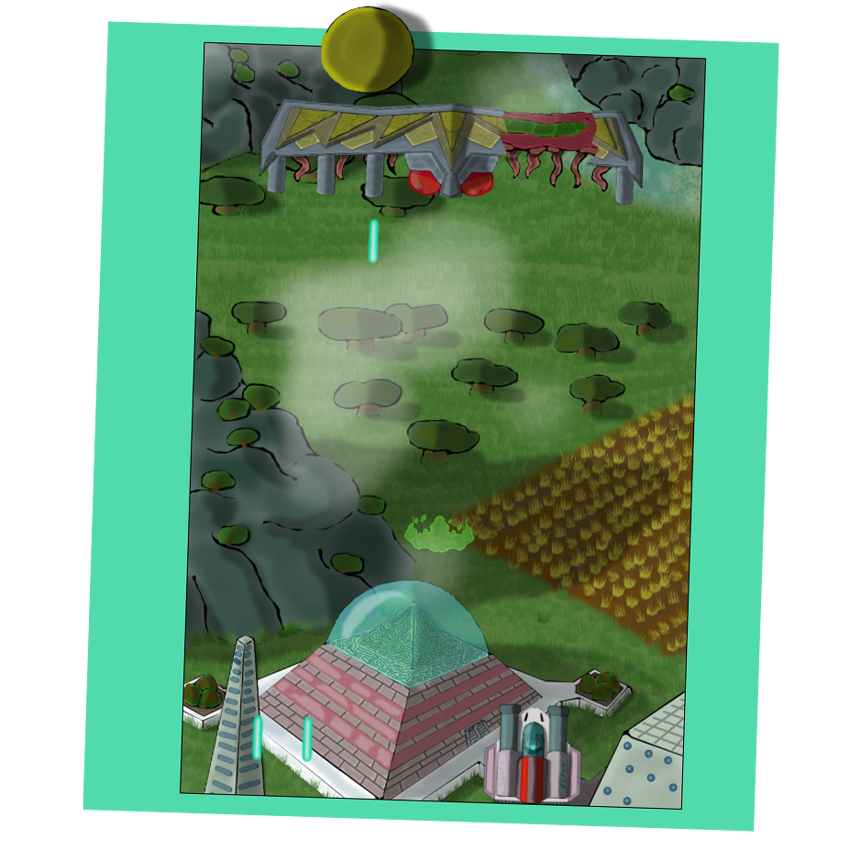
Update August 25, 2026: After a month of work, I
finished the background for mission VII. It's a city drawn with a great level of detail.
Additionally, at a certain point, it is destroyed by a cataclysm, so it was more than
double the drawing work.
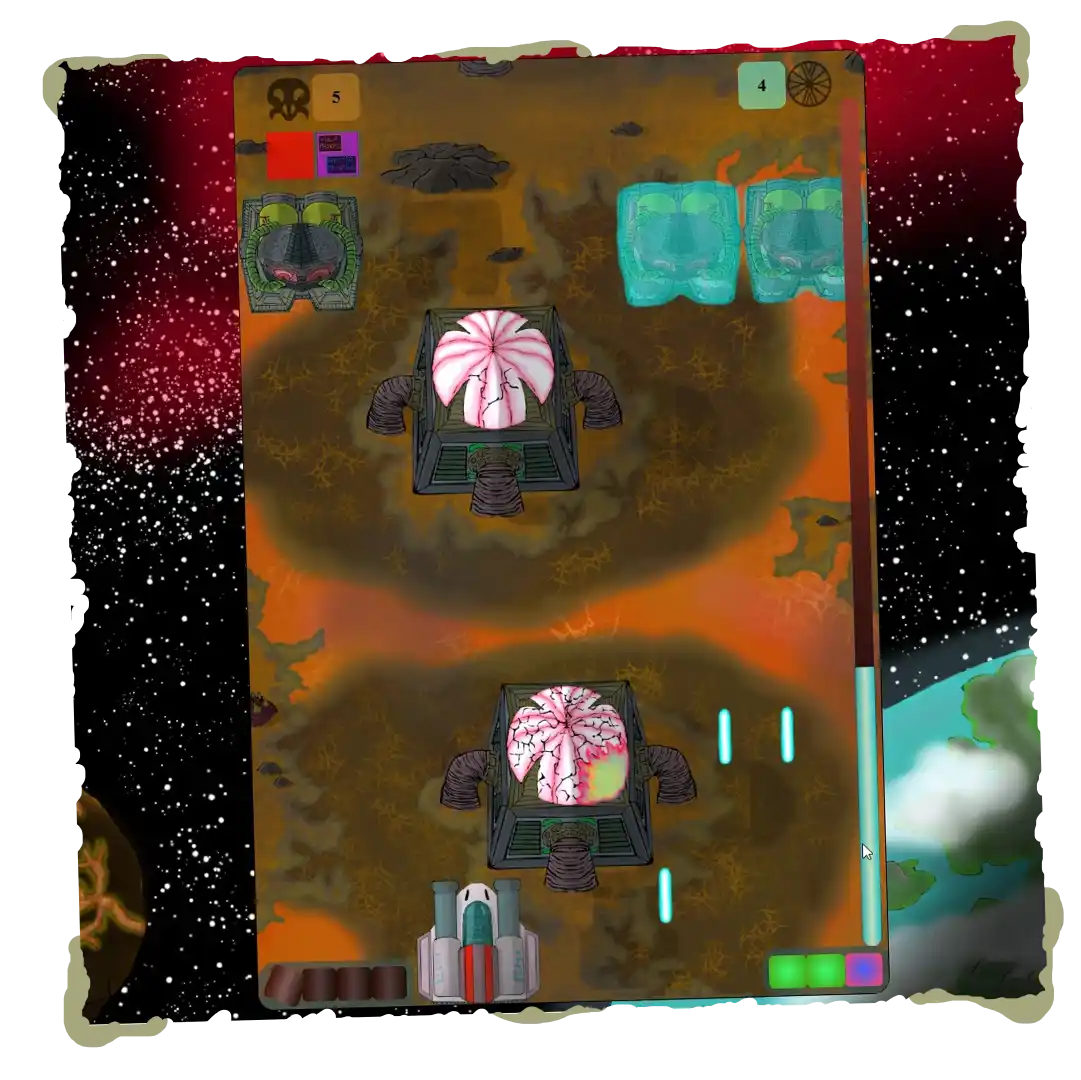
Update July 22, 2026: The mission 6 boss is finished
and the level is assembled. The boss has new mechanics such as a paralyzing beam and
defensive and attack structures
Update July 8, 2026:The planet's oceans are already
populated with moving life, and I have also designed and brought the minor enemies to
life. Their sequence means that a single mistake can be fatal.
Starting with the design of the mission's boss
Update June 16, 2026: I'm already quite far along with
the development of the sixth mission, set over a shallow ocean.
I created the water effect using several moving semi-transparent layers
Update May 28, 2026: The fifth mission is now finished.
It takes place at a low altitude, so the elements cast shadows on the ground. In this
mission, there is a lot of dialogue to develop the story's plot. I added a button to
disable them at will.
In addition, the final name of the video game was established as AIRIESS
Update May 7, 2026:
The fourth mission is now finished. The boss is similar to the first one, but with a new
mechanic, as its arms attack by proximity and do not have a defined pattern.
Update April 23, 2026:
The setting and three new enemies for mission 4 have already been designed. I developed
new mechanics for these three new enemies, which I think will make the mission quite
fun.
Update April 9, 2026:
I've finished assembling mission 3. The final boss consists of two heads, which also
telekinetically control a spear, and a central section with laser cannons. The level
turned out a bit "thick," but every video game needs a "Water Temple" style level like
Zelda Ocarina of Time, xd
Update March 24, 2026:
Background and clouds for mission 3 finished.
I created a lighting system to simulate the continuous eclipses on the planet.
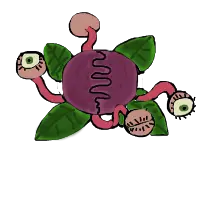
I included the clonubis as local fauna that must be avoided, and the ploxloids as
defensive enemies that also blow themselves up.
Update March 13, 2026: Second mission boss
finished. It consists of two side modules and a central one.
It fires lasers and a death ray. I also assembled the entire level, with some
visual updates, so I'm starting with the design of the third one.
Update March 4, 2026:
Background and enemies for the second mission added!
Meteors have also been added, which are recommended to be destroyed before finishing the
level.
I am now starting with the design of the mission boss.
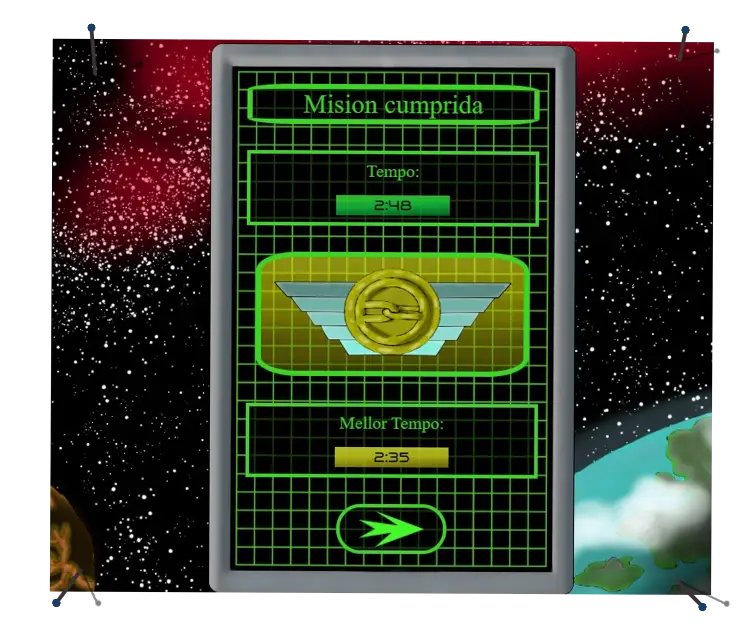
February 2026 Update: The first level is now complete!
Added start screen, mission failed screen, and mission cleared screen. The latter
records the time
it took you to finish, the medal obtained by comparing this time against set limits, and
the best time achieved on this level.
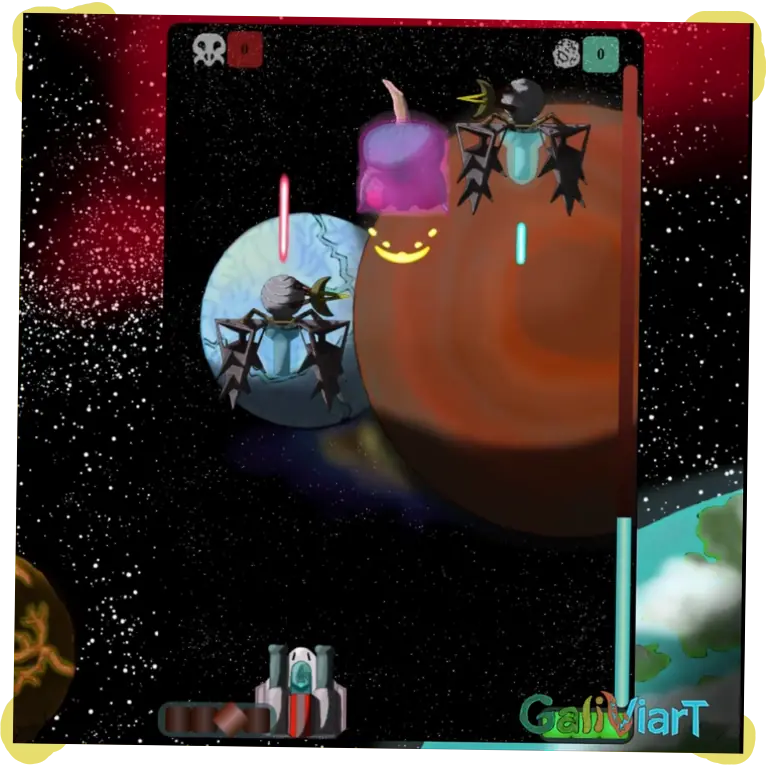
Update January 2, 2026: The first level boss is
now ready! It consists of more than 40 drawings and over 1000 lines of JavaScript.
At the beginning, it has an energy shield that withstands 20 shots; after that, you can
remove the armor from its 8 segments to eventually destroy it.
It has 6 laser cannons and a disgusting slime attack.
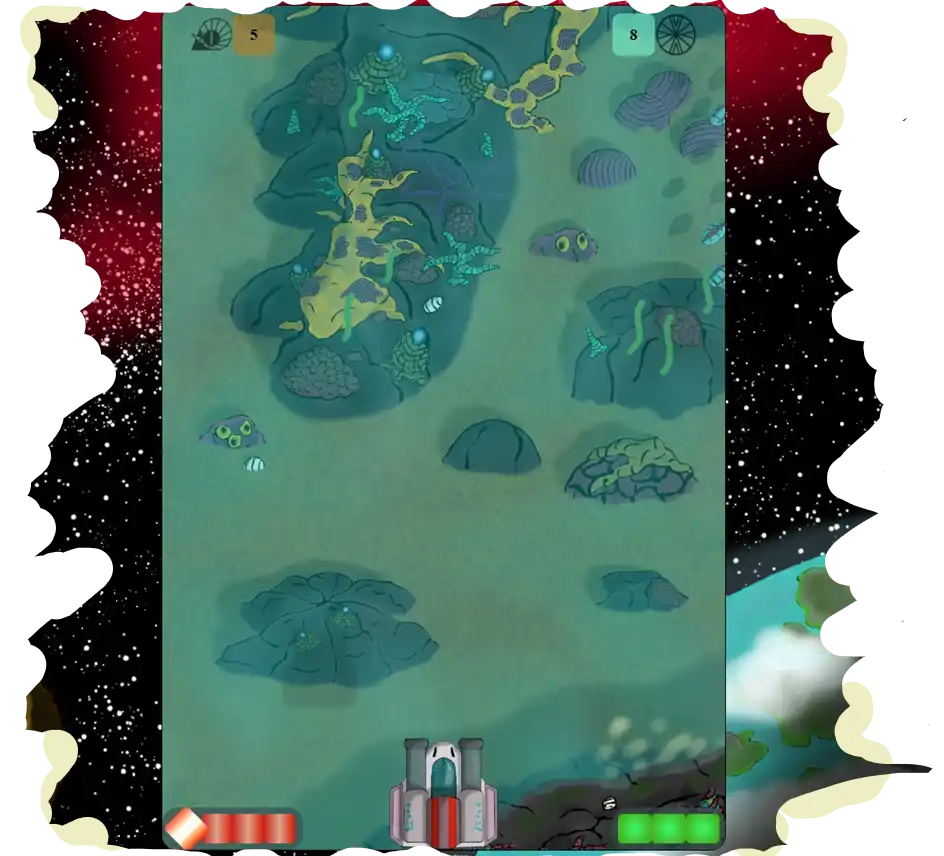
January 2026 Update: I have updated the visual
appearance
of both the spaceship and the background. I also designed two types of enemies, a basic
one and
an armored one. Finally, I added an overlaid layer of clouds.
I am starting with the design of a level boss and collectible items
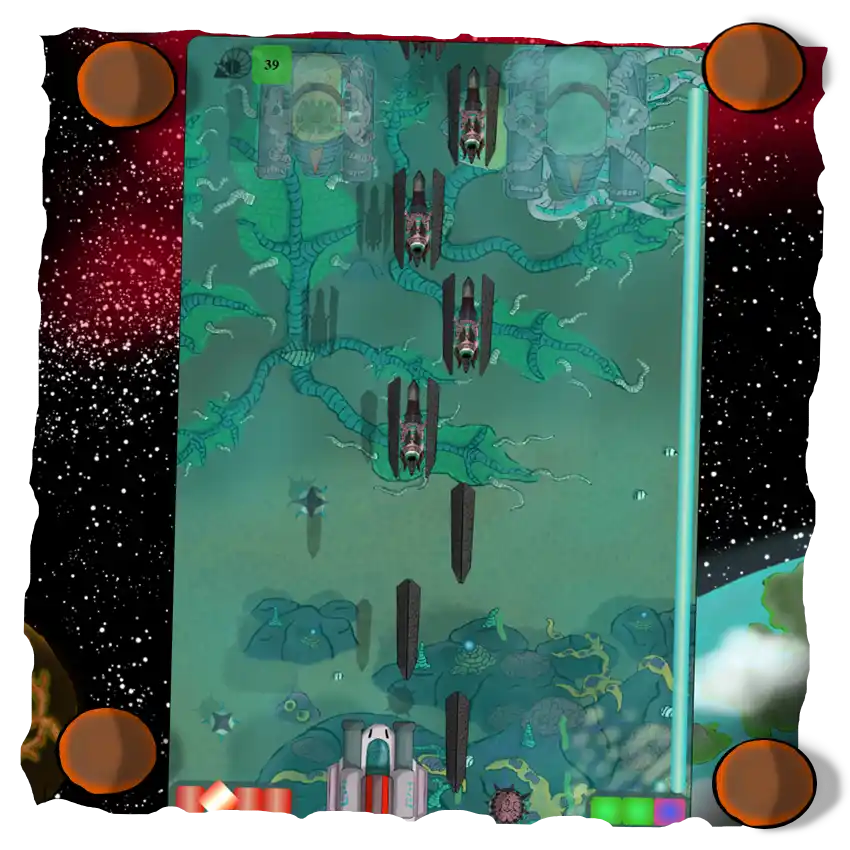
December 2025 Update: I added a background made up
of 5 illustrations that scroll
infinitely in a cycle where they pass one after another and return to the first,
creating the
illusion that the ship is moving. I also created a system of three health points for the
ship,
dying after touching an enemy or a projectile 3 times.
The illustrations in the screenshot are completely provisional.
In the box above you have a link to contact me via email to report bugs in the games or on the
website, or to offer any suggestion you may have.
There are also links to different social media networks, where I will try to post updates on the
progress of new projects.
Finally, you can find Galiviart's Patreon and PayPal if you wish to encourage me to continue
making artisanal vido games and help with website maintenance. On Patreon, I will upload some
exclusive content,
such as illustrations or versions of the games with extra functionality.